

Leveraging CAT-MIP with Halo’s MCP Server
To implement CAT-MIP directly into your Halo MCP Server, a custom tool should be created and added to your Halo MCP Server’s list of functions.
This custom tool will take the form of an Integration Runbook in Halo, which will then be added to the list of available tools to be used by your Halo MCP Server.
Adding the Runbook
A Runbook has already been created and added to Halo’s Runbook Online Repository. Head to Configuration > Custom Objects > Custom Integration Runbooks, and switch to the Online Repository:
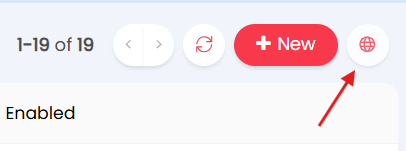
Where you should find the ‘CAT-MIP: Latest Standards’ Runbok available for install:
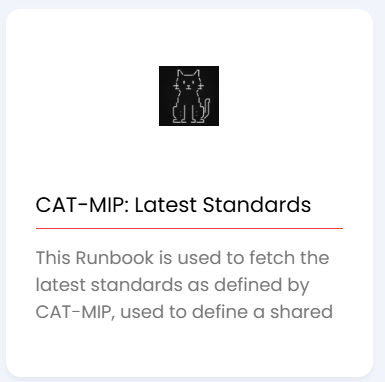
Install this Runbook in your local repository.
Adding the Runbook to your Halo MCP Server
Head to Configuration > AI. Under the ‘Remote MCP Server’ section, add a new tool.
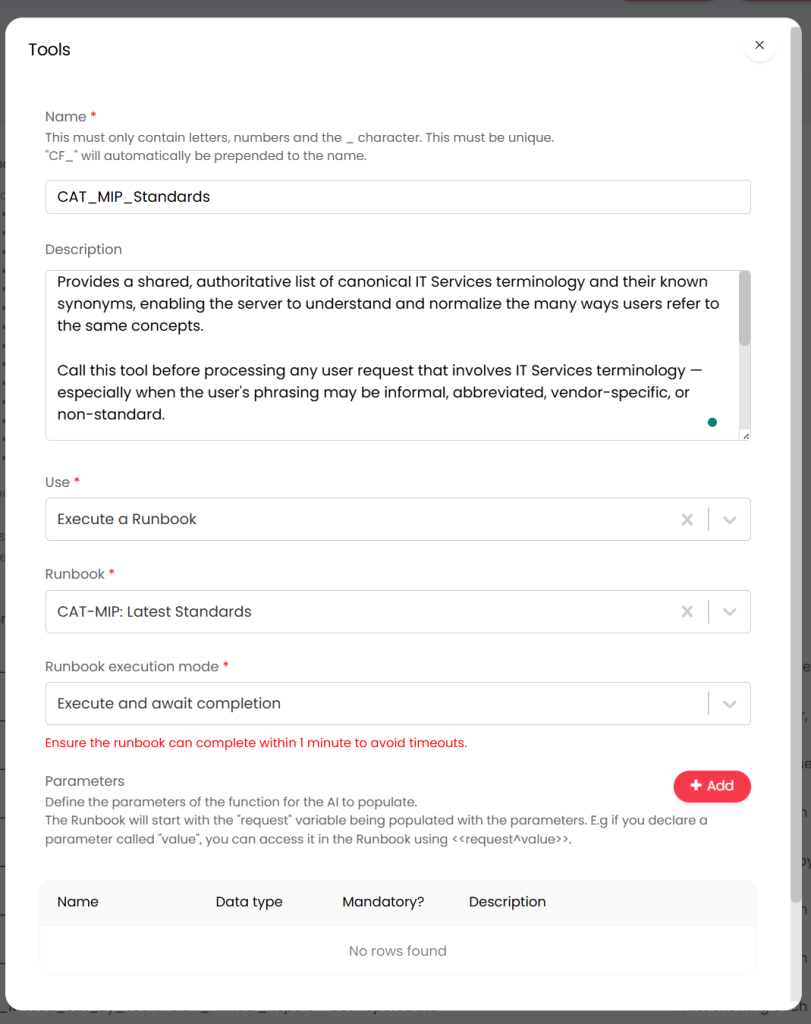
Configure the tool with the following details:
| Name | CAT_MIP_Standards |
| Description | Provides a shared, authoritative list of canonical IT Services terminology and their known synonyms, enabling the server to understand and normalize the many ways users refer to the same concepts. Call this tool before processing any user request that involves IT Services terminology — especially when the user’s phrasing may be informal, abbreviated, vendor-specific, or non-standard. Decision Rule: -If there is any reasonable chance the user’s input contains IT Services terminology — call this tool first. When in doubt, call it. The cost of an unnecessary fetch is low. The cost of misinterpreting a term and passing bad input downstream is high. |
| Use | Execute a Runbook |
| Runbook | CAT-MIP: Latest Standards |
| Runbook Execution Mode | Execute and await completion |
Your tool setup should look like this:
Your Halo MCP Server will now have access to CAT-MIP’s latest standards for use in subsequent tool calling and necessary responses.